PRACTICAL POKER GUIDE
Review poker hands with Insights
Rebuild the action, add opponent context and use AI-assisted feedback to revisit poker decisions on iPhone and iPad.
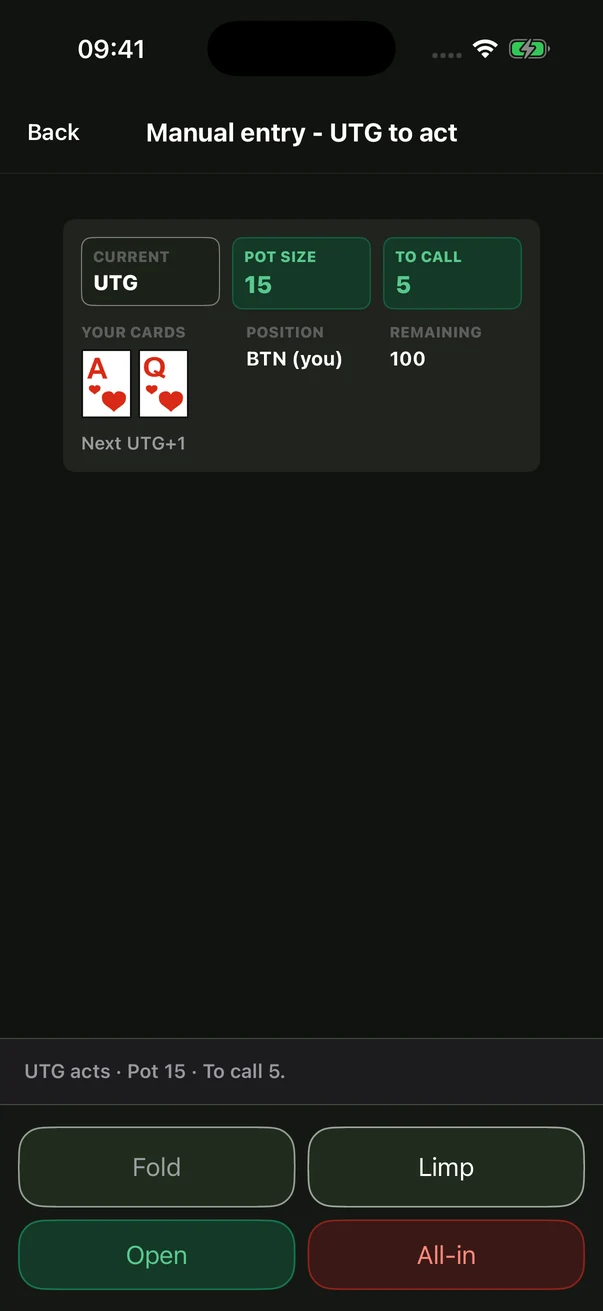
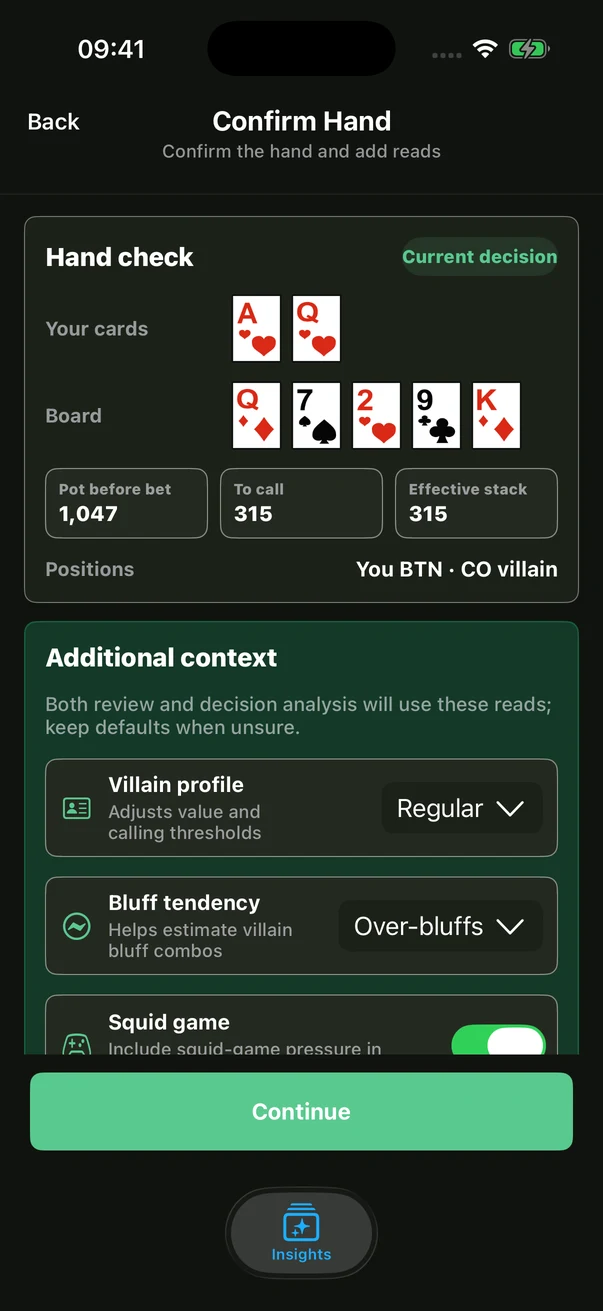
What should I record before reviewing a hand?
Gather hole cards, board cards, positions, effective stacks and the action on each street. Reconstruct bet sizes and pot changes as accurately as possible. Keep uncertain details marked as uncertain rather than inventing missing action.
How do I use Insights?
Enter the action step by step, add opponent context and check the record before requesting analysis. Use the feedback to revisit your decisions. If you missed an important action, correct the record before deciding whether the analysis applies.
Why include opponent context?
The same bet can mean different things against different opponents. Separate observations from guesses: “made two large river bets this session” is a more useful review note than assuming someone always bluffs.
Is the AI analysis always correct?
No. AI can misread action, use unsuitable assumptions or make calculation errors. Check the input, pot sizes and reasoning against your own judgment. One hand’s outcome does not establish whether a decision was good.
Does a subscription include Insights analysis?
Insights analysis uses BB credits separately. A subscription does not include unlimited AI analysis. Check the app for current credit costs, available plans and local prices.
How is Insights different from PRO PLAY?
Insights helps you enter and review a hand you want to study. PRO PLAY lets you browse recorded pro hands and their source videos. Use one to revisit your decisions and the other to explore real player samples.